
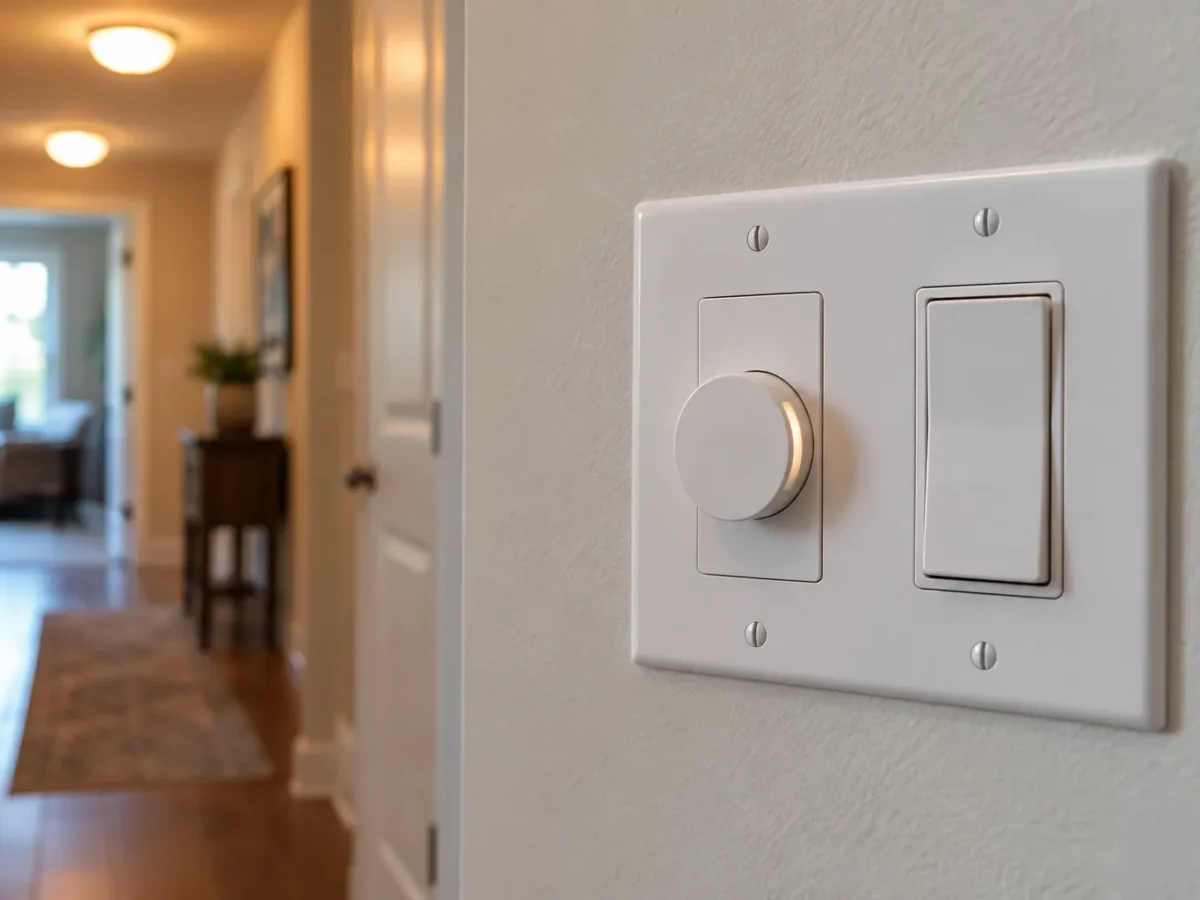
Smart controls work best when they improve a room people already understand. A dining room should still have a clear way to lower the lights before a meal. A hallway should still respond when someone reaches for a wall switch. A phone app, voice assistant or schedule can add convenience, but it should not be the only way to turn on a useful light. For a Milton lighting project, the right control starts with the fixtures, the switching locations and the way the household uses each space.
Start with lighting zones, then choose controls
One switch for every fixture in an open room may be simple to install but hard to live with. Kitchen counter lighting, island pendants and general ceiling lights do different jobs; separating them lets the room shift from food preparation to dinner to a quieter evening. In a living area, recessed lights near a television may need a different response from lights that wash a wall or illuminate circulation. Draw the zone boundaries around activities and sightlines before deciding how many dimmers or smart switches to add. A wall switch by the entrance should control a predictable group. If a second entrance matters, plan how the control will work from both positions.
LED dimmers need a compatible lighting load
An LED lamp, integrated fixture and dimmer all participate in the result. Two products can turn on at full output and still behave badly as the level drops: flicker, stepping, buzzing, delayed start or a narrow dimming range can appear. A dimmer’s stated LED compatibility is a starting point, not a guarantee for every lamp and driver combination. Fixture and control manufacturers publish compatibility information and load limits. Where possible, choose the actual fixtures and control together, then assess the installation under low and high settings. An older dimmer that worked with incandescent or halogen lamps is not automatically suitable for a new LED load. Our LED pot light upgrade guide explains how fixture changes can affect controls.
Smart switches versus smart lamps
A smart switch controls a circuit at the wall, while a smart lamp typically needs its power left on for its wireless features to work. That distinction affects daily use. If a guest turns off a conventional wall switch feeding smart lamps, the app or schedule may stop responding until power returns. Smart switches can make ordinary wall use more intuitive, but the selected device still has to suit the wiring, load and circuit arrangement. Mixed lamps on one circuit may also respond differently to dimming commands. A plan should identify which features matter: timed exterior light, a simple dining scene, occupancy response or remote control while away. More devices and apps are not automatically a better plan.
Existing switch boxes and multi-way arrangements
The condition of a switch location matters just as much as the glossy device specification. Some smart controls require a neutral conductor at the switch location; others use different designs or have specific load requirements. A two-location or multi-location switching arrangement needs compatible companion controls or an approved manufacturer configuration. The physical depth of the device and box space also matter. Those facts cannot be settled by a photo of the switch plate alone. An assessment can identify the wiring arrangement and feasible options before products are ordered. Avoid purchasing a full set of matching smart devices until the actual switch locations and lighting loads have been checked.
Timers, schedules and outdoor use
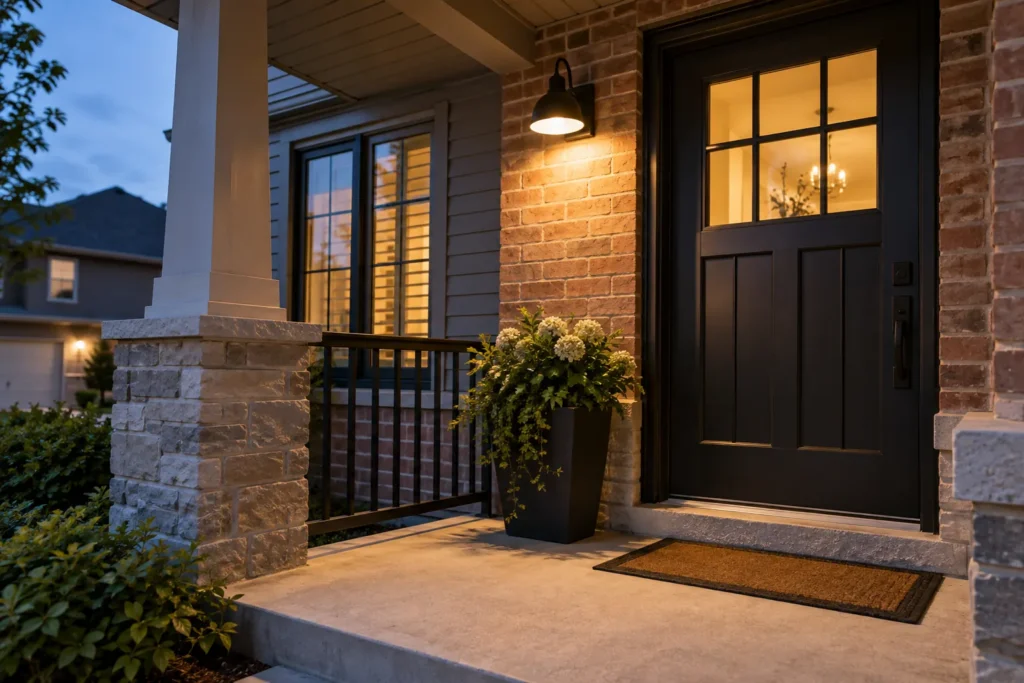
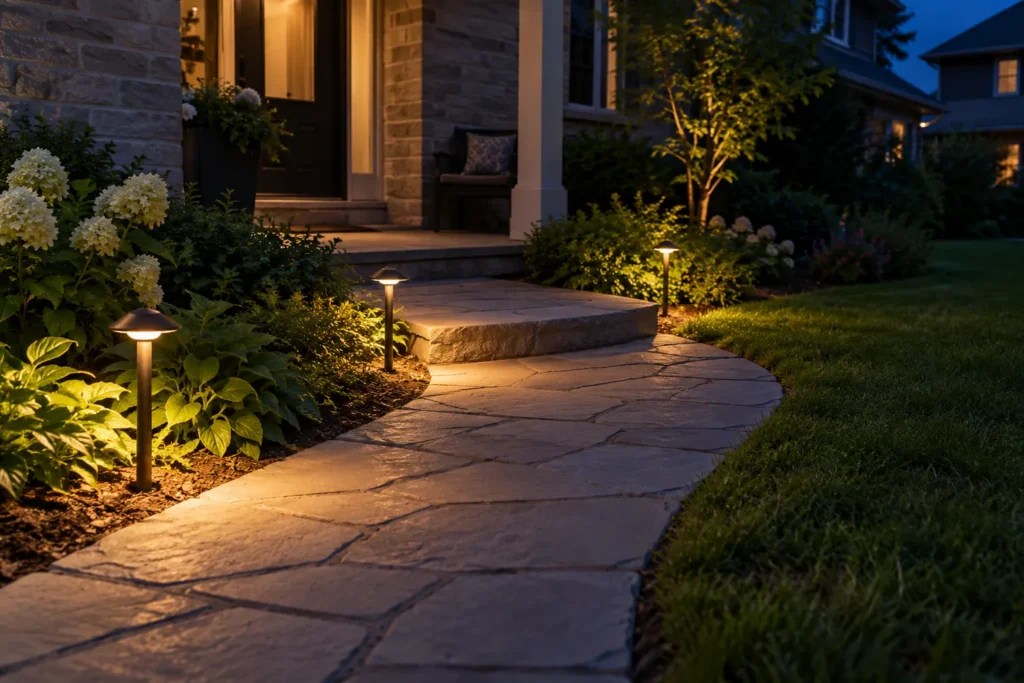
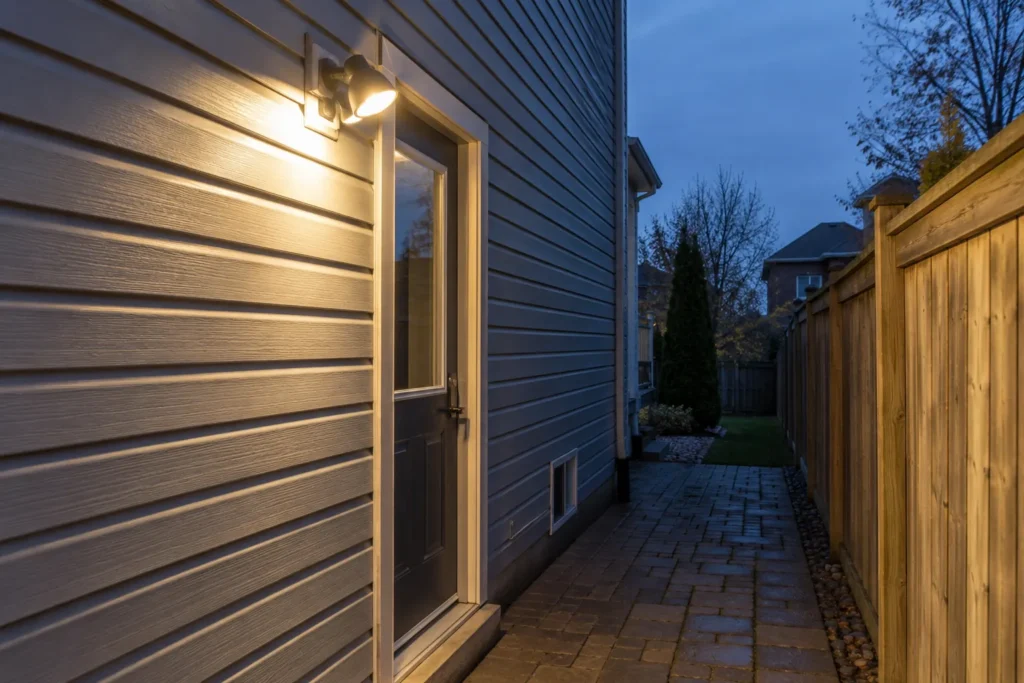
A schedule can put porch or entry lighting on before evening arrivals without leaving it on all day. Astronomical scheduling may follow sunset and sunrise more conveniently than a fixed clock, while a photocell reacts to available daylight at its own mounting location. Motion control is useful for a side passage or garage approach where people need short periods of light. Combining too many triggers can make operation confusing: a schedule, motion sensor and manual override need a clear priority. Weather-exposed fixtures and controls must be selected for their location. For the fixture side of that decision, see outdoor and landscape lighting and exterior and soffit pot lights.
Occupancy sensing in everyday rooms
An occupancy sensor can reduce lights left on in a laundry room, pantry, garage or utility area. Placement matters because shelving, doors and furniture can block the area it sees. A sensor in an office can turn the lights off while someone sits still at a desk, so manual override and timeout settings deserve attention. In a bedroom or living room, unexpected activation at night can be more irritating than the saved step at the switch. Sensors should serve a specific behaviour rather than be added everywhere. For stairs and hallways, think about the full route and every entry point, including the feeling of moving into a dark landing while a timer expires.
Keep manual operation legible
The strongest smart-lighting plan is understandable to someone who has never opened the app. Wall controls should have a sensible default, logical grouping and labels where the grouping is not obvious. An always-on wireless system that cannot recover gracefully after an internet interruption may be a poor fit for essential household lighting. Consider who needs the lighting: children, visitors, older relatives and someone carrying groceries may rely on the wall rather than a phone. If a control offers scenes, use a small number tied to real activities instead of a long menu of near-duplicate presets. Smart lighting should still work naturally from the wall.
Diagnose flicker before changing the dimmer
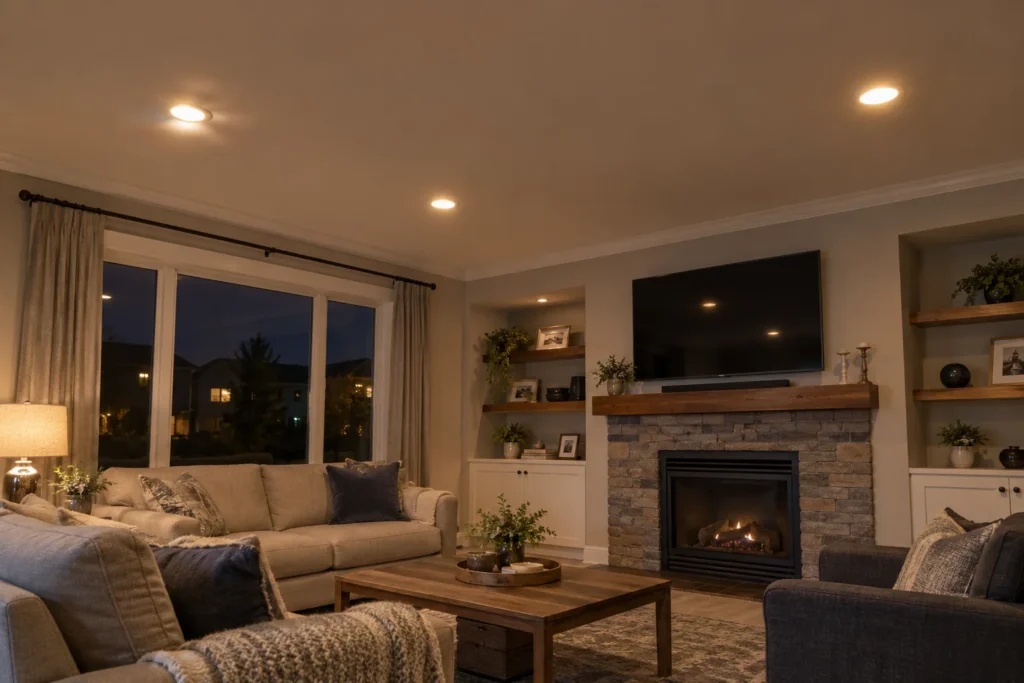
Flicker can be caused by an incompatible dimmer, but it can also relate to a lamp, driver, connection or supply issue. Buzzing may come from the control or the light source, and different sounds mean different checks. Replacing a dimmer at random can hide the underlying fault or leave the same problem in place. Record which fixtures are affected, whether the problem occurs at full brightness or only when dimmed, and whether it began after a product change. That information helps narrow the review. A light that cuts out intermittently or shows heat damage needs appropriate professional attention, not repeated trial-and-error device swaps. See lighting repairs and troubleshooting.
Scope and estimate considerations
The number of control locations is only one price factor. Existing wiring, switch-box conditions, multi-way arrangements, fixture and driver compatibility, the desired wireless platform, access for new cable and the need to separate lighting zones all affect scope. A simple compatible dimmer replacement is different from creating separate kitchen circuits and controls during a renovation. A useful request identifies rooms, existing fixture types, the switching points and the specific problem or convenience you want to solve. Photos of the controls and fixtures help, but an on-site review may still be necessary. Clarify product selection, wall finishing assumptions, commissioning and how the final arrangement will be demonstrated.
Electrical approvals and product selection
Electrical work for hire in Ontario must be performed by a Licensed Electrical Contractor. The person doing the work is responsible for the ESA notification of work and applicable review process. Choose electrical products approved for Ontario, with a recognized Canadian certification or field-evaluation mark, and follow their stated use and ratings. A familiar brand name or an online product listing alone is not evidence that a device suits the installation. For a fuller explanation of the process, read the Ontario electrical requirements guide and the approved product guide. This information supports planning; the actual wiring and approvals are determined for the project.
Frequently asked questions
Can my existing pot lights use a smart dimmer?
Possibly. The answer depends on the installed lamps or integrated LED drivers, their combined load, the wiring arrangement and the specific dimmer. The important question is how the combination behaves throughout the dimming range, not merely whether it switches on. Gather fixture model information if available and note any current flicker or buzzing. For a room with mixed fixtures, each load needs consideration before one control is selected.
Do smart lights still work if the internet goes down?
It depends on the system and how the controls are configured. Many wall controls retain basic local operation, while remote functions or voice integrations may require a network or cloud connection. Choose based on the behaviour you need during an outage, and keep essential rooms usable from physical controls. Ask for this behaviour to be demonstrated after setup rather than assuming every product works the same way.
Is motion control better than a timer outside?
They solve different problems. A timer or sunset schedule suits a predictable evening interval; motion helps when brief light is needed at irregular times. A porch may need a steady, restrained light while a side path benefits from a short response to movement. Placement, neighbouring windows and nuisance triggers affect the choice. A clear manual override can be useful in either design.
What details help with a quote?
List the rooms, current lights, all switch locations and the result you want: smoother dimming, schedules, occupancy control or additional zones. Mention if lights already flicker, buzz or shut off. Photos of fixture labels and existing controls can narrow options, but the circuit and switch-box conditions must still be confirmed before a final installation plan.
For a lighting-control plan in Milton, tell us which rooms and behaviours matter. The goal is a dependable arrangement that makes the light easier to use every day.