
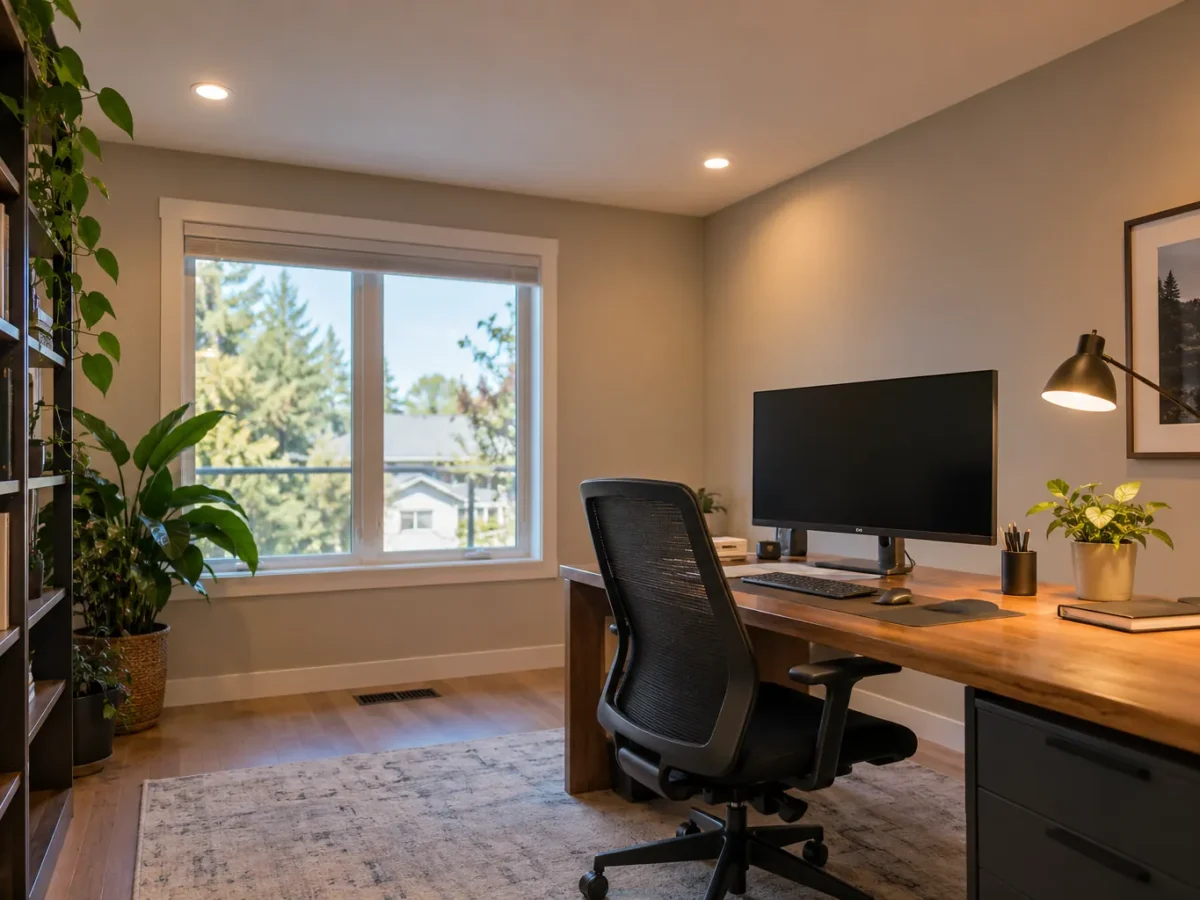
A home office needs light on a desk and a comfortable view of a screen. Those goals can conflict if a bright recessed fixture reflects in the monitor or shines directly into your eyes. The room may also serve video calls, paperwork, reading and storage, each with a different useful direction of light. Pot lights can provide an adaptable ambient layer, but the desk and camera view should guide the layout.
We begin with the likely desk position, monitor angle, window, shelving and where the camera faces. In a dedicated Milton office or a basement work area, natural light may change sharply through the day. Recessed fixtures, a task lamp and perhaps a gentle wall layer can work together, with separate controls to change the room from focused work to an evening setting.
Place the desk before locating fixtures
The desk is the primary work surface. Its depth, orientation and whether someone is left- or right-handed can influence where light should arrive for paperwork. A downlight directly behind a seated person may cast a shadow on the desktop; one directly above the monitor may create reflection or discomfort. A ceiling-centred pattern is therefore a poor starting point.
Sketch the desk, chair movement, secondary table and storage. If the room also functions as a guest bedroom, decide which use is primary and how flexible the ambient layer needs to be. Lighting can then support the fixed tasks without locking the room into one furniture arrangement.
Control monitor glare and visual contrast
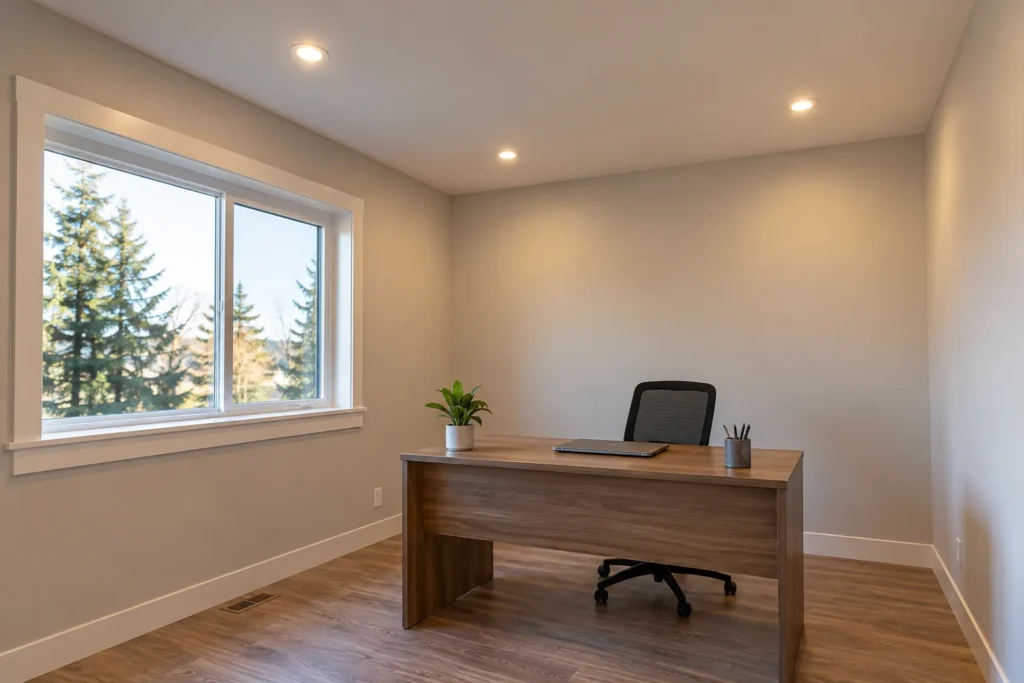
Glare can come from a direct reflection of a ceiling source, a bright window behind the screen or a lit wall far brighter than the display. Review the screen from the normal seated eye position. A small shift in fixture position, beam or desk orientation can help, but the solution should be judged in the room rather than from a plan view alone.
The goal is not to work in darkness around a bright monitor. Comfortable surrounding light reduces harsh contrast. A separately dimmable ambient layer can stay on at a suitable level while task lighting addresses paperwork. The exact balance depends on screen finish, window location and personal preference.
Plan the camera-facing light
Video calls reveal shadows that are easy to miss while working. A pot light behind the person can leave the face dark; a strong source directly overhead can emphasize downward shadows. Daylight from a window can help but changes with weather and time. The camera-facing side may benefit from a separate, softer light source at an appropriate direction.
Consider the background too. Shelves or a wall visible on calls can receive subtle illumination without becoming brighter than the face. Recessed lighting contributes to the room, while a task or dedicated call light may handle the very specific camera requirement. Avoid expecting one central downlight to perform both jobs.
Use shelves and walls to add depth
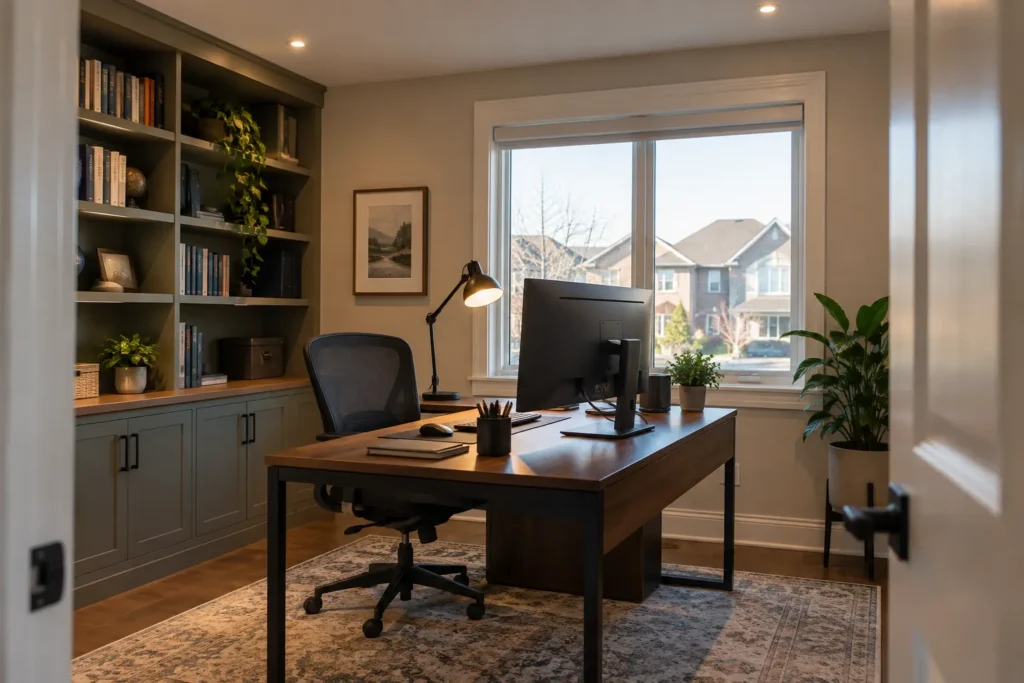
An office with only downward pools can feel flat, particularly in a windowless basement. Light on a bookcase, storage wall or selected artwork can give the space depth. A suitable directional recessed fixture may highlight a shelf, though beam and reflection need attention if objects are behind glass.
Not every shelf needs its own ceiling opening. Under-shelf or cabinet lighting may be better for detailed storage, while the main pot lights keep the room generally usable. Decide which wall is seen from the desk and which is seen by a camera. Lighting both identically may waste output and create distraction.
Respond to daylight through the working day
A bright window can make an office comfortable in the morning and produce screen glare in the afternoon. Blinds, desk orientation and the direction of sunlight influence the electric-light plan. On overcast Milton winter days, the room may need a reliable ambient layer even during business hours. A basement office may have very little daylight at any time.
Separate control over ambient, desk and background light lets you fill the actual gaps without turning everything on. Note how the room looks at the times you usually work. A layout should serve both daytime and evening rather than being judged only under one condition.
Choose beam, colour and comfort
Fixture output and beam spread should suit the ceiling height and the size of the room. A narrow bright pool on the desk may be less comfortable than broad ambient light plus a task lamp that the user can reposition. The trim’s visible glare matters when you look up from the screen or lean back in the chair.
Colour temperature and rendering influence paper, finishes and camera appearance. Compare proposed lights with existing lamps and adjacent rooms. A controllable level is often more useful than chasing the highest output. Our colour temperature guide explains the tradeoffs without assigning one universal setting to every office.
Make controls work without interrupting focus
You may want brighter desk and room light during paperwork, a balanced face/background scene during calls and a softer level during screen-only work. Simple separate switching and compatible dimming can support those modes. Smart scenes can add convenience, but the zones should make sense before automation is added.
If the office shares a basement or open-plan space, separate control prevents its lighting from competing with recreation or family activity. Consider switch access from the doorway and the desk. The existing electrical arrangement will determine what changes are feasible and whether finish work is needed.
Review ceiling and electrical conditions
A finished home office may conceal joists, ducts, insulation and existing wiring. The intended positions should be checked against those conditions before assuming an exact opening or a no-repair installation. In a room being renovated, coordinate fixtures with the final desk and HVAC plan. Approved products need to suit the actual ceiling and location.
ESA says almost all electrical work requires notification before work begins; the person doing the work files, and a hired Licensed Electrical Contractor files for its work. The applicable process depends on the project. A useful quote identifies fixtures, zones, controls and access or finishing assumptions, rather than treating the desk as an afterthought.
Sketch what the camera actually sees
A video-call background can be a wall, window, shelves or a view into another room. Take a screenshot with your current camera and note where the face appears dark relative to the background. Then observe how the image changes in daylight and after sunset. That information is more useful than asking for more ceiling brightness without a specific direction.
If the office doubles as a guest space, consider independent lighting for the bed or seating as well as the desk. A general recessed layer can remain flexible, while a local task fixture supports work. This keeps the room usable beyond office hours and avoids a harsh ceiling pattern designed solely around a monitor that may later move.
Questions about home office pot lights
Where should a pot light go above a desk?
Place it only after considering where you sit, the work surface, monitors and the fixture beam. A task lamp or indirect layer may address some desk work better than a direct overhead spot.
How can I avoid reflections on my monitor?
Assess the normal seated view, screen angle, windows and proposed fixture positions. Beam control, a revised position and separate dimming can all help.
Will pot lights make video calls look better?
They can improve ambient light, but a source behind or directly above the person may create facial shadows. A separate camera-facing layer may be more effective.
Can a basement office use the same lights as the recreation area?
A consistent fixture family can look coherent, while different beam, output and controls support the office tasks separately from the recreation zone.
Plan your lighting
Tell us where the desk and camera will face, and photograph the room from the seated position. A Milton home office lighting plan can then address the actual desk work, screens and video calls, with controls suited to your schedule.